
My Cake Shop HD2.2.1 - App Store
You'll be able to see results in few seconds.
Publisher Description

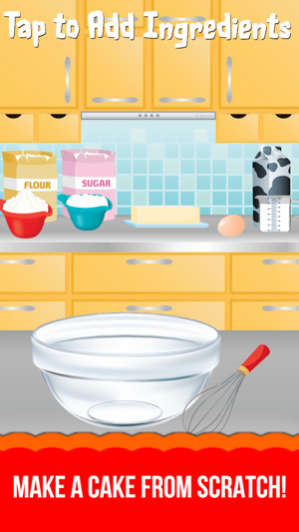


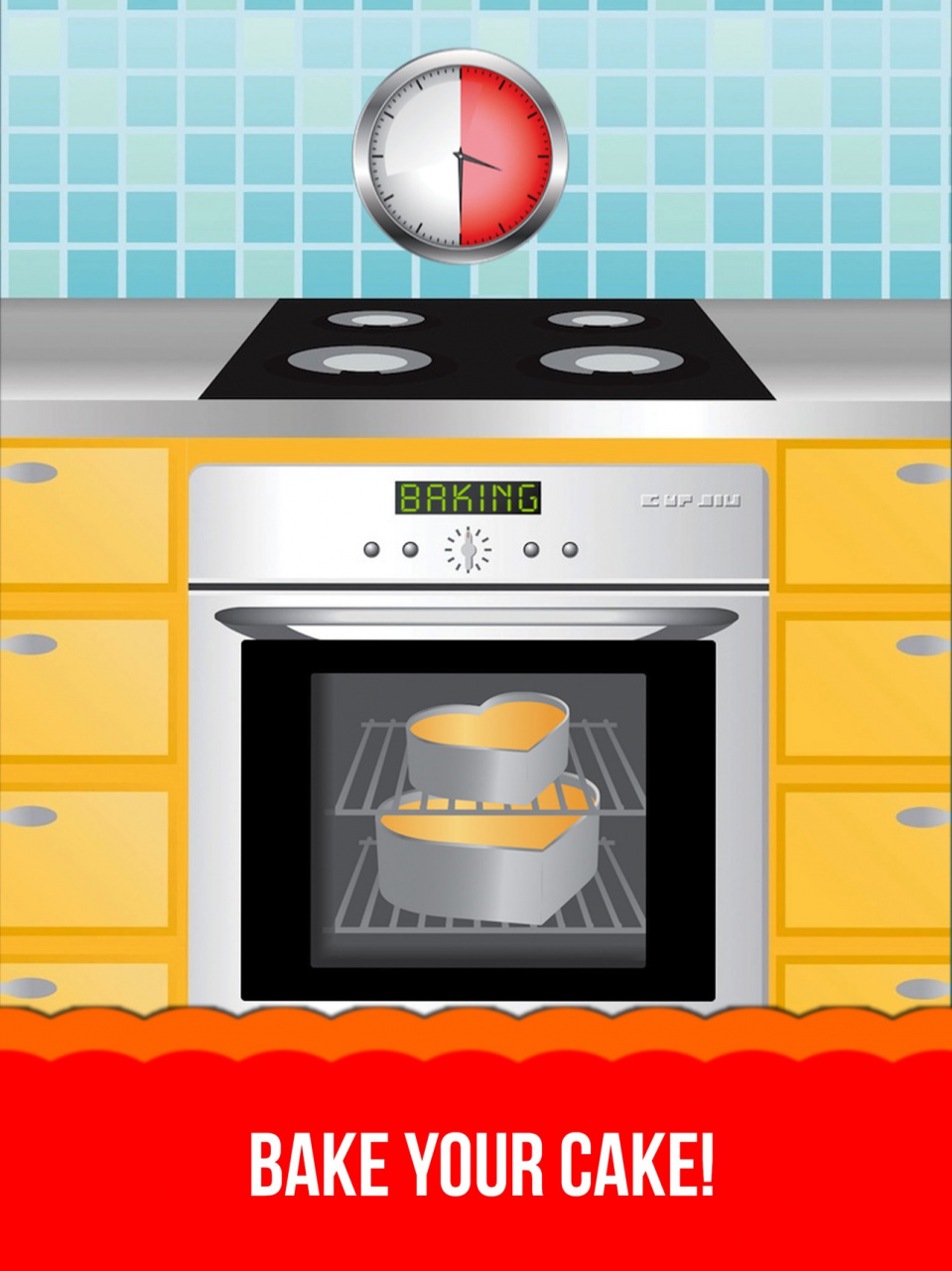
Make a cake now with TapBlaze My Cake Shop app! The top cake maker game and cooking game app for your mobile phone or tablet. Make someone smile today - Decorate a cake and send it to them for their Happy Birthday or other occasion! This game is designed for cake maker lovers in mind.
About TapBlaze
Our vision is to build an enduring franchise that gamers will still be excited about decades from now. At TapBlaze, we strive to develop high-quality, creative games that people of all ages will find entertaining, educational, fun, and useful. We believe our attention to detail, commitment to player satisfaction, and expertise in the mobile space will make our games stand out.
Privacy Policy:
http://www.tapblaze.com/about/privacy-policy/
Terms of Service:
http://www.tapblaze.com/about/terms-conditions/
Jun 2, 2018
Version 2.2.1
This app has been updated by Apple to display the Apple Watch app icon.
Fixed dozens of bugs and improved game performance!
About My Cake Shop HD
The company that develops My Cake Shop HD is LAI SYSTEMS, LLC. The latest version released by its developer is 2.2.1.
To install My Cake Shop HD on your iOS device, just click the green Continue To App button above to start the installation process. The app is listed on our website since 2018-06-02 and was downloaded 0 times. We have already checked if the download link is safe, however for your own protection we recommend that you scan the downloaded app with your antivirus. Your antivirus may detect the My Cake Shop HD as malware if the download link is broken.
How to install My Cake Shop HD on your iOS device:
- Click on the Continue To App button on our website. This will redirect you to the App Store.
- Once the My Cake Shop HD is shown in the iTunes listing of your iOS device, you can start its download and installation. Tap on the GET button to the right of the app to start downloading it.
- If you are not logged-in the iOS appstore app, you'll be prompted for your your Apple ID and/or password.
- After My Cake Shop HD is downloaded, you'll see an INSTALL button to the right. Tap on it to start the actual installation of the iOS app.
- Once installation is finished you can tap on the OPEN button to start it. Its icon will also be added to your device home screen.
Program Details
System requirements
Download information
Pricing
Version History
version 2.2.1
posted on 2018-06-02
Jun 2, 2018
Version 2.2.1
This app has been updated by Apple to display the Apple Watch app icon.
Fixed dozens of bugs and improved game performance!
version 2.2.1
posted on 2018-06-02
Jun 2, 2018 Version 2.2.1
This app has been updated by Apple to display the Apple Watch app icon.
Fixed dozens of bugs and improved game performance!
version 2.2.1
posted on 2018-06-02
Jun 2, 2018 Version 2.2.1
Fixed dozens of bugs and improved game performance!
version 2.2.1
posted on 2018-06-02
Jun 2, 2018 Version 2.2.1
This app has been updated by Apple to use the latest Apple signing certificate.
Fixed dozens of bugs and improved game performance!
version 1.7
posted on 2012-08-01
Disclaimer
Official App Store Link
We do not host My Cake Shop HD on our servers. We did not scan it for viruses, adware, spyware or other type of malware. This app is hosted by Apple and passed their terms and conditions to be listed there. We recommend caution when installing it.
The App Store link for My Cake Shop HD is provided to you by apps112.com without any warranties, representations or guarantees of any kind, so access it at your own risk.
If you have questions regarding this particular app contact the publisher directly. For questions about the functionalities of apps112.com contact us.
